Basic
The core coach tools.
Price on approval
20 features included
Includes:
- ✓Class builder
- ✓Workout tab
- ✓Nutrition tab
- ✓Calendar
- ✓Coach chat
- ✓Daily check-in
- + 14
Home › For coaches
For coaches
AH COACHING gives fitness and nutrition coaches a Coach Hub to manage clients, build plans, follow progress and track payments, and a client app your clients use every day. Apply, get approved by the admin, and bring your own clients.
Questions? WhatsAppEverything below is in the Hub today. What you can open depends on the access the admin sets up for you.
Your clients get their own app, in English and Arabic, with your plans inside it.
Pick the plan that fits how you coach. The admin confirms what your plan includes and its price before you start.
The core coach tools.
Price on approval
20 features included
Includes:
Adds the AI tools to your coaching.
Price on approval
29 features included
Everything in Basic, plus:
Both plans include the core coach tools: clients, workout and meal plans, check-ins, chat, reports, payments and the calendar.
| Feature | Basic | Pro |
|---|---|---|
| AI assistantSummaries, message drafts and InBody sheet reading for your clientsCoach tool | – | ✓ |
| AI plan generator: workoutWrites a workout plan draftCoach tool | – | ✓ |
| AI plan generator: mealsWrites a meal plan draftCoach tool | – | ✓ |
| AI plan generator: full planWrites workout and meals togetherCoach tool | – | ✓ |
| AI coach chatThe client asks questions and gets answers from their own planClient app | – | ✓ |
| AI food searchAny food, in any languageClient app | – | ✓ |
| Barcode scanScan a packaged foodClient app | – | ✓ |
| Meal photoSnap a meal or pick one from the galleryClient app | – | ✓ |
| Voice food loggingSay what was eatenClient app | – | ✓ |
Plans and fees are confirmed when you are approved: the admin confirms what your plan includes and its price before you start.
Real screens from the Coach Hub, filled with made-up sample data. The Hub is shown in English.
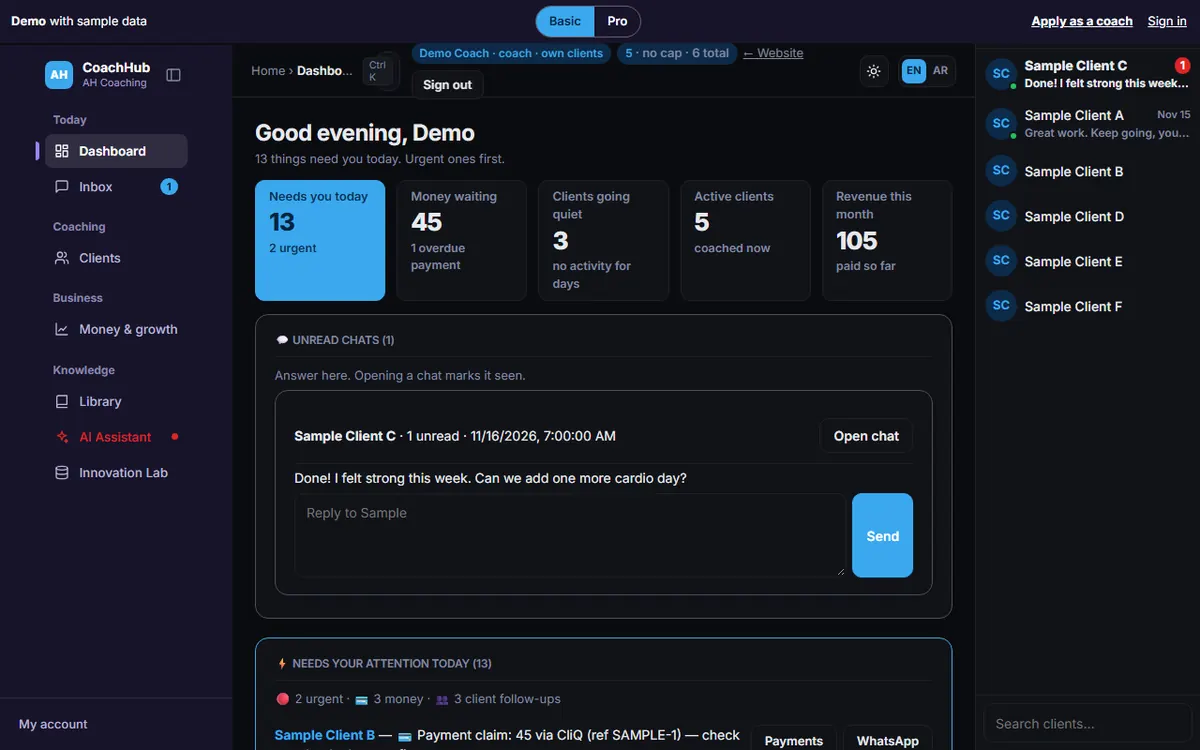 Sample data
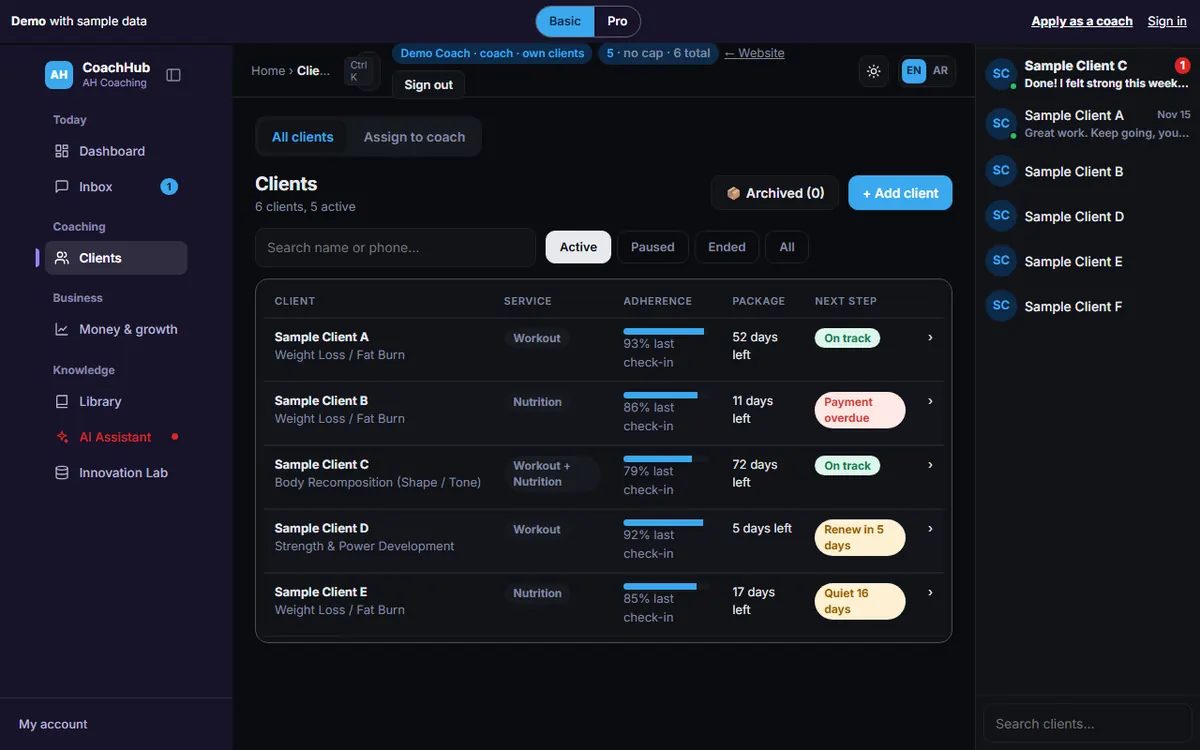 Sample data
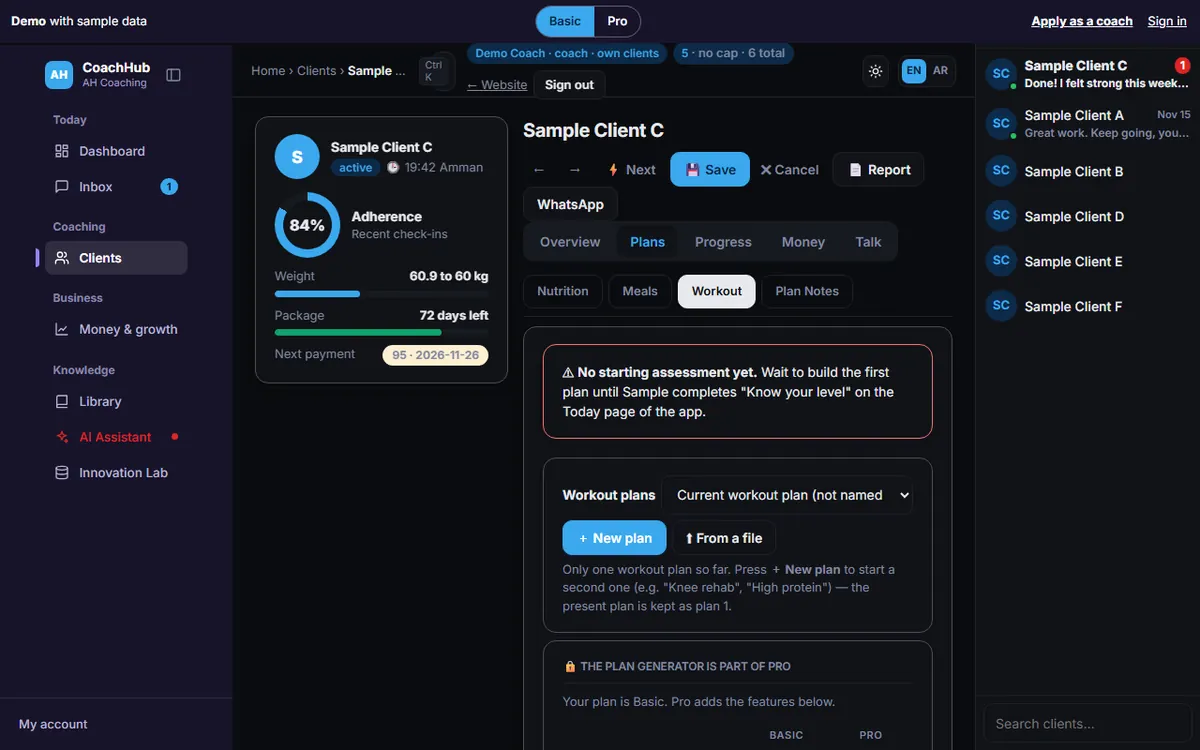 Sample data
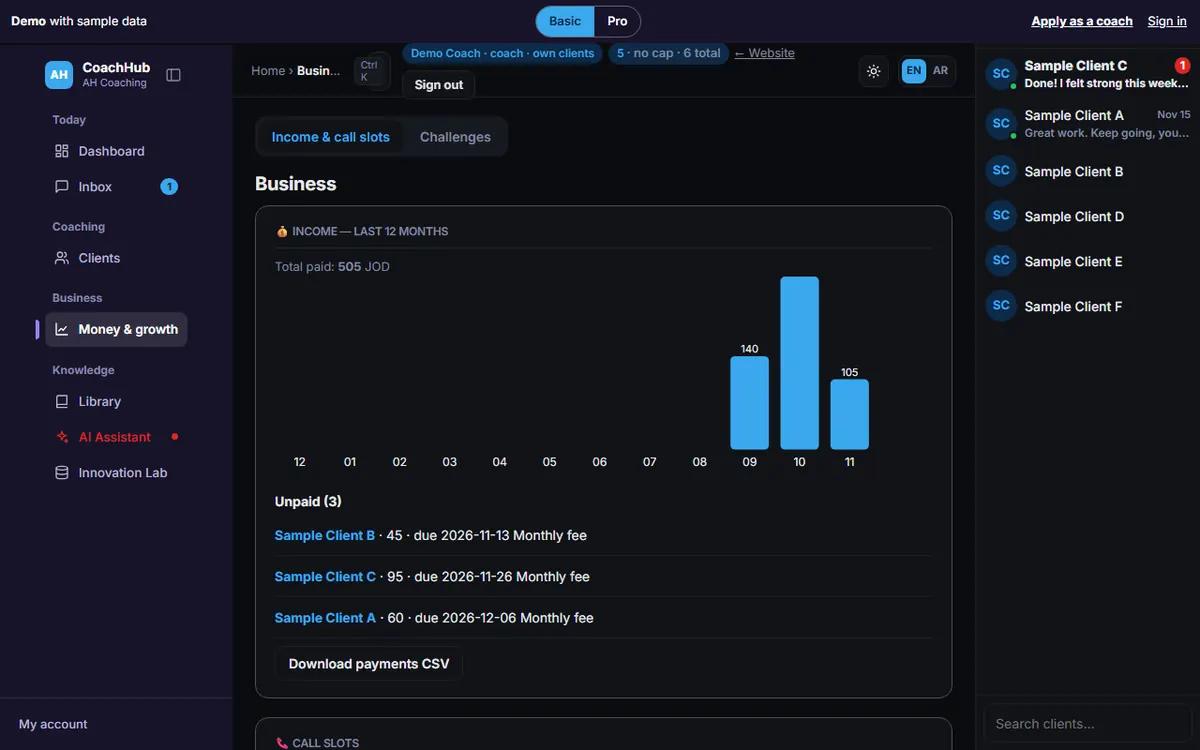 Sample data
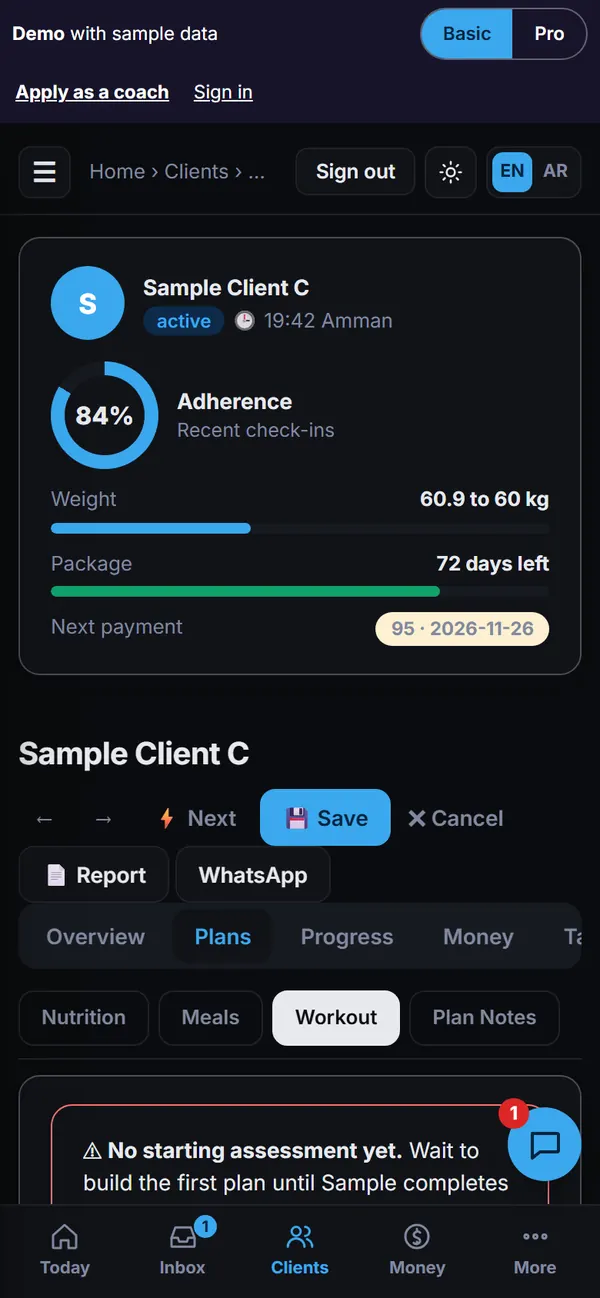 Sample data
Fitness and nutrition coaches. The application asks what you coach and how you work, and the admin reviews every one.
You get a confirmation email. The admin reviews your answers and contacts you. If you are approved you receive a private invitation code: come back to the application page, use it with the same email, and sign in to the Coach Hub. The admin then switches your access on.
The admin assigns clients when you start, and, depending on your access, you can invite more by email. Each invited client creates a login with a code and confirms, and then you approve them.
Yes. Bring your own clients and invite them. You can also load a client file (Excel) into the Hub.
Plans and fees are confirmed when you are approved: the admin confirms what your plan includes and its price before you start. If you want to know more first, ask us on WhatsApp.
Yes. The Coach Hub and the client app work in English and Arabic.
The application takes a few minutes. The admin reads every one.
Questions? WhatsApp